
Gifts
Flangapp allows administrators to create gift purchases for users (and for themselves) without actual purchasing.
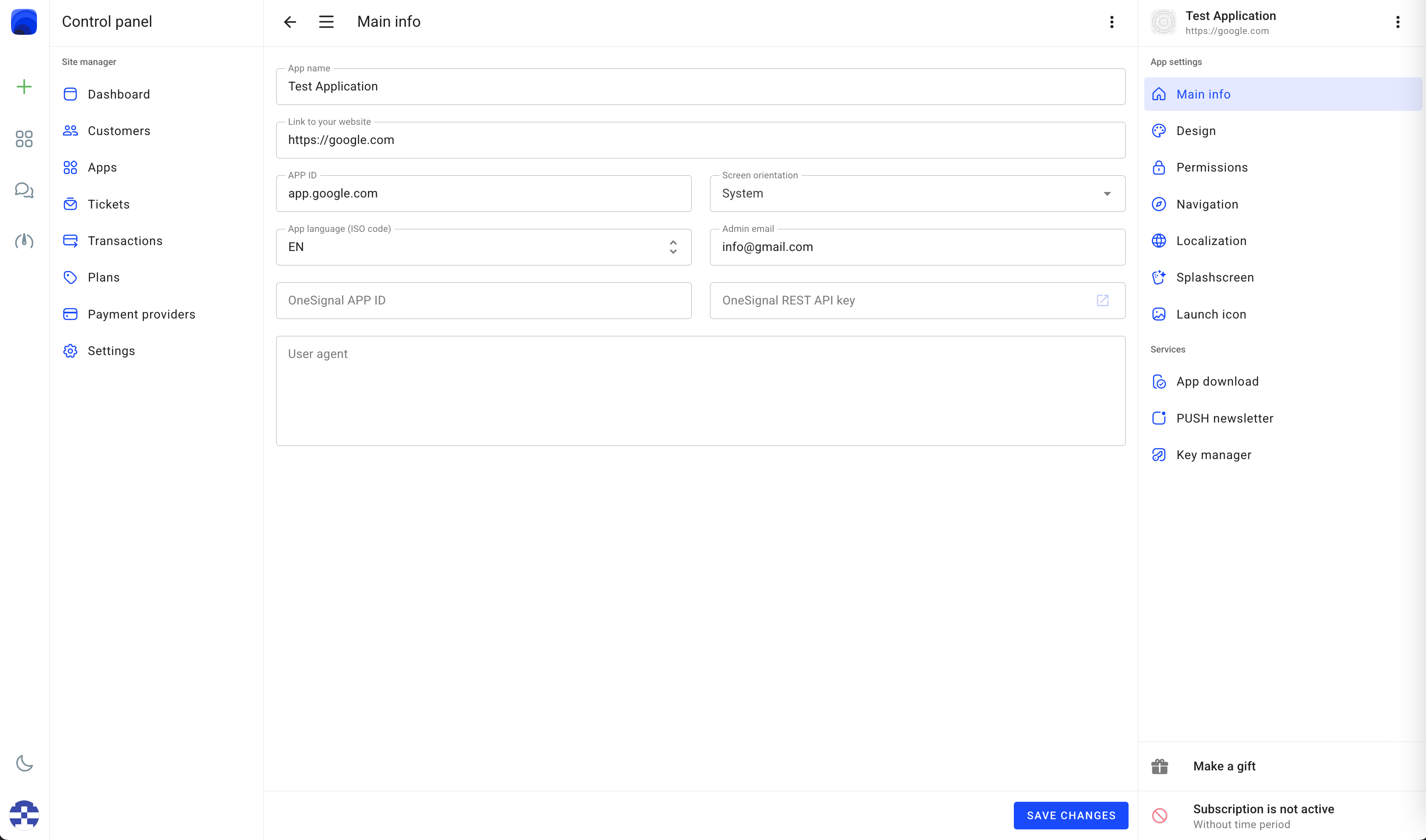
To create a gift purchase, go to the section Control panel - Apps - Choose an app without an active plan. Click the button to make a gift placed above the active subscription details on the bottom right part of the screen.
Choose the available one-time plan type and click the button "UPGRADE NOW" as shown below:
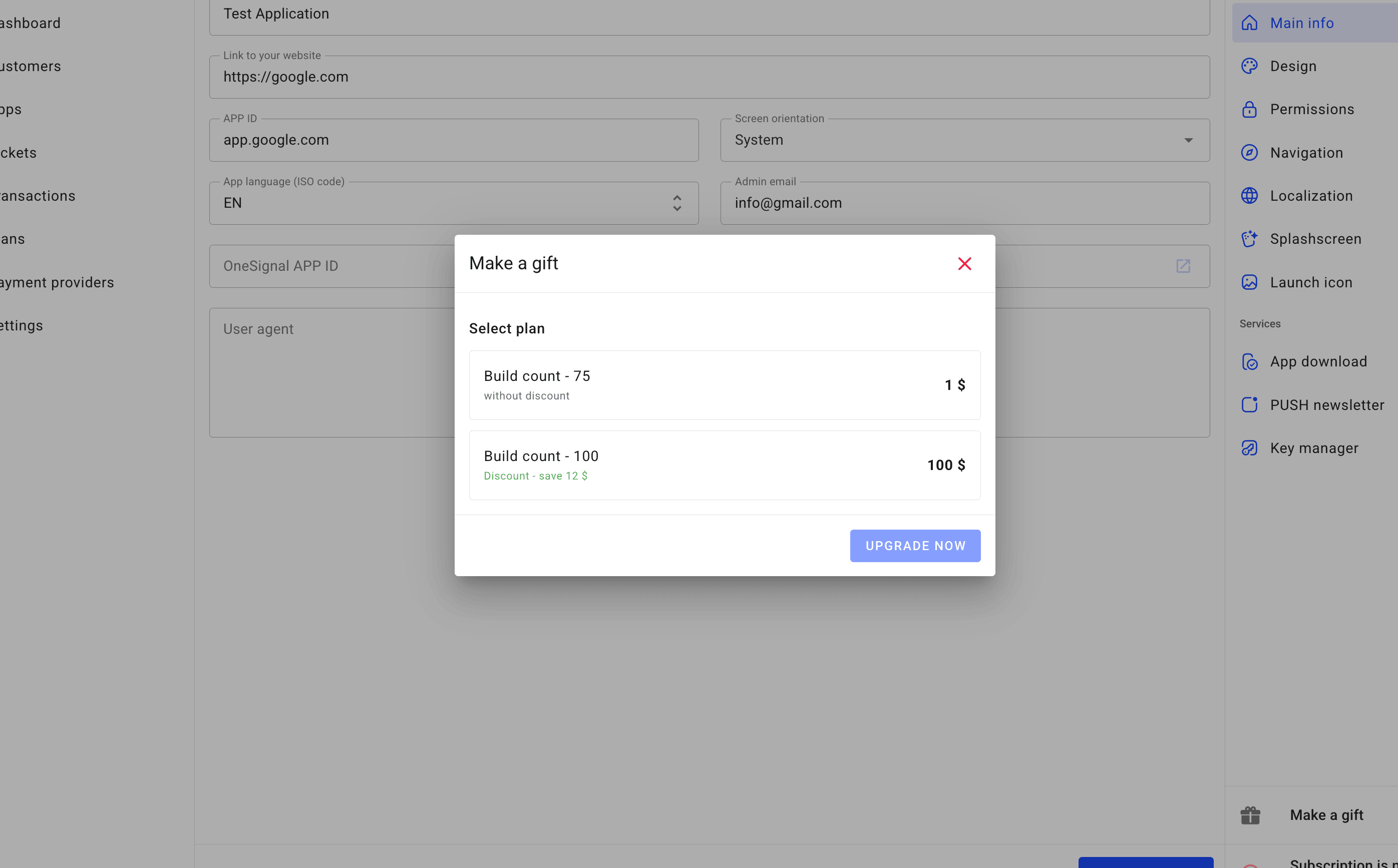
After that, the user who created this application will be able to make builds, just as if they had purchased this plan.
As an Admin, you can also create a gift for yourself.